Assembly Instructions
1. Pick a size for your open field, with a side length of *N* number of panels (each panel == 8 cm).
2. Print out all parts listed in the sidebar based on the size of your open field.
(how to 3D print)
3. Connect all floor panels of your open field.
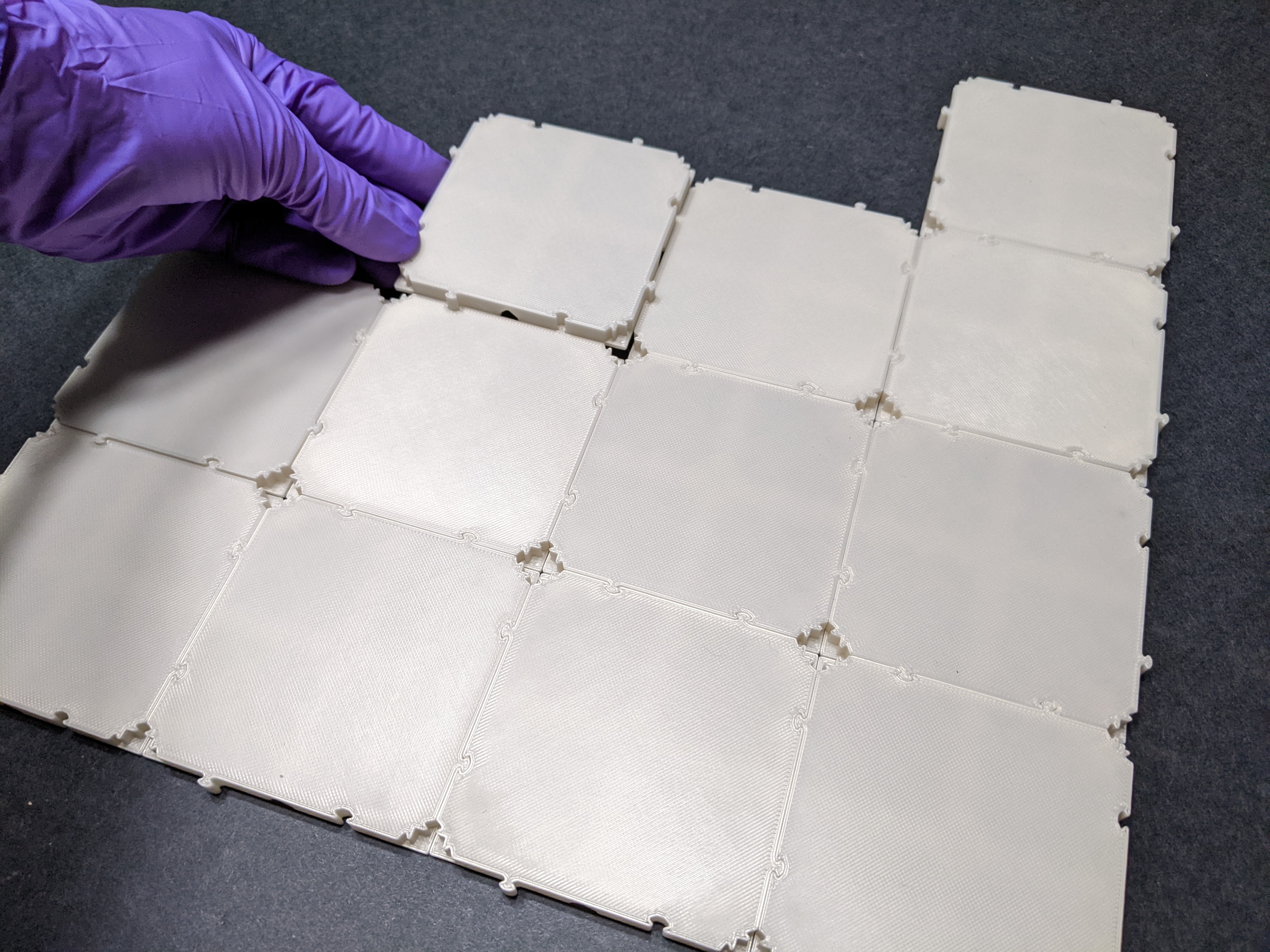
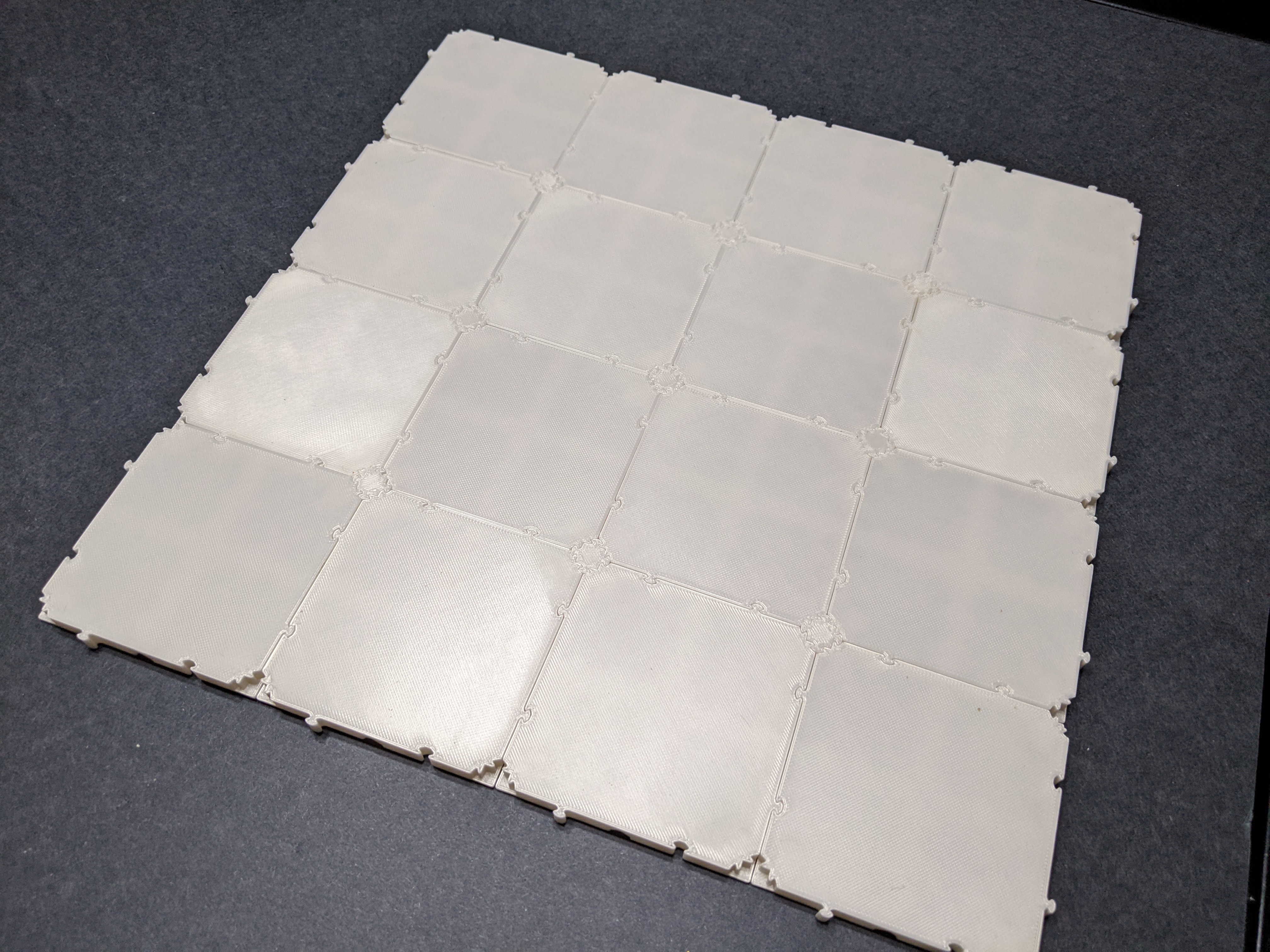
4. Add inserts into the empty corner spaces of the central floor panels.
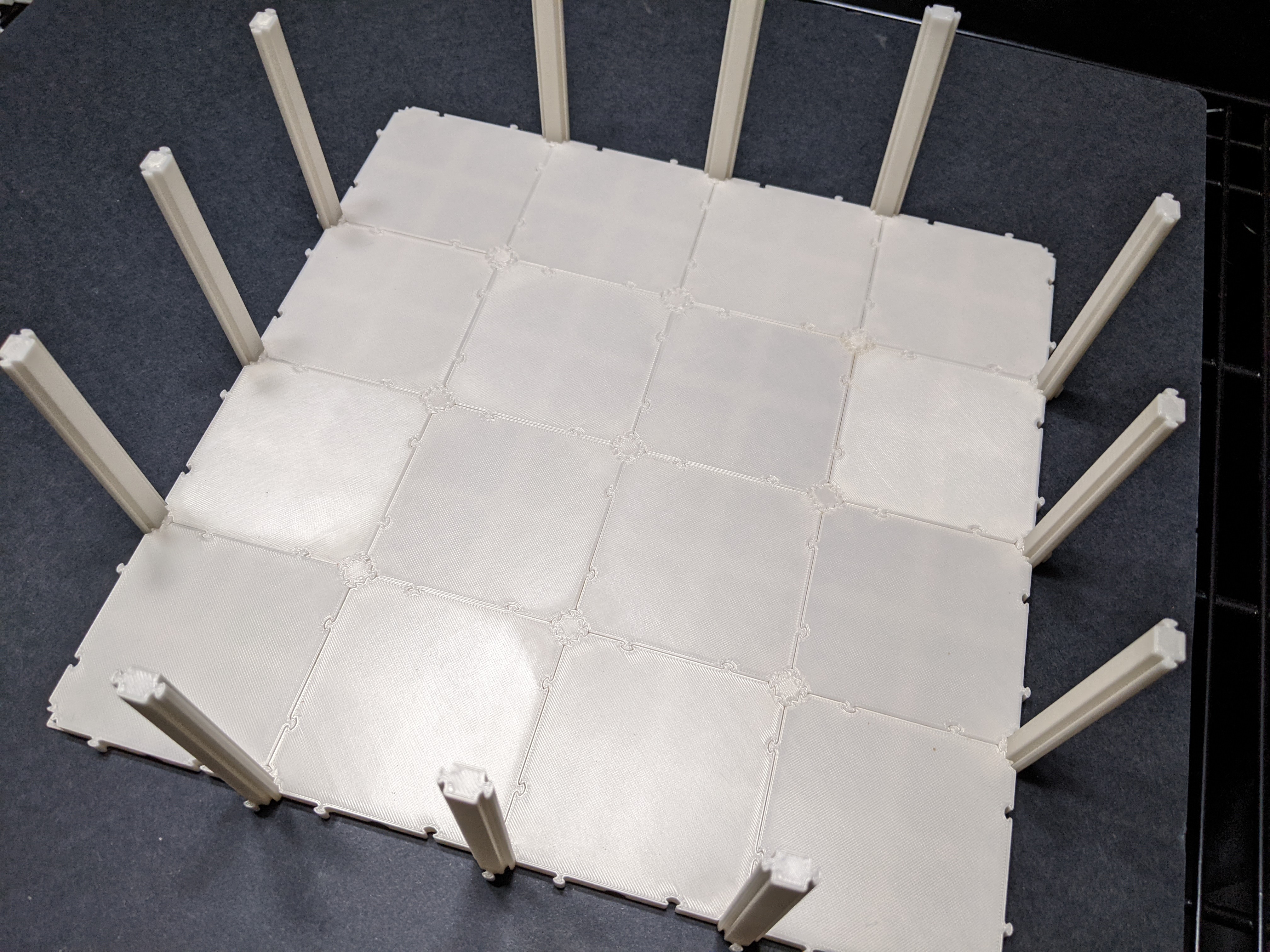
5. Attach straight junctions to the sides of the open field (but not the corner junctions yet).
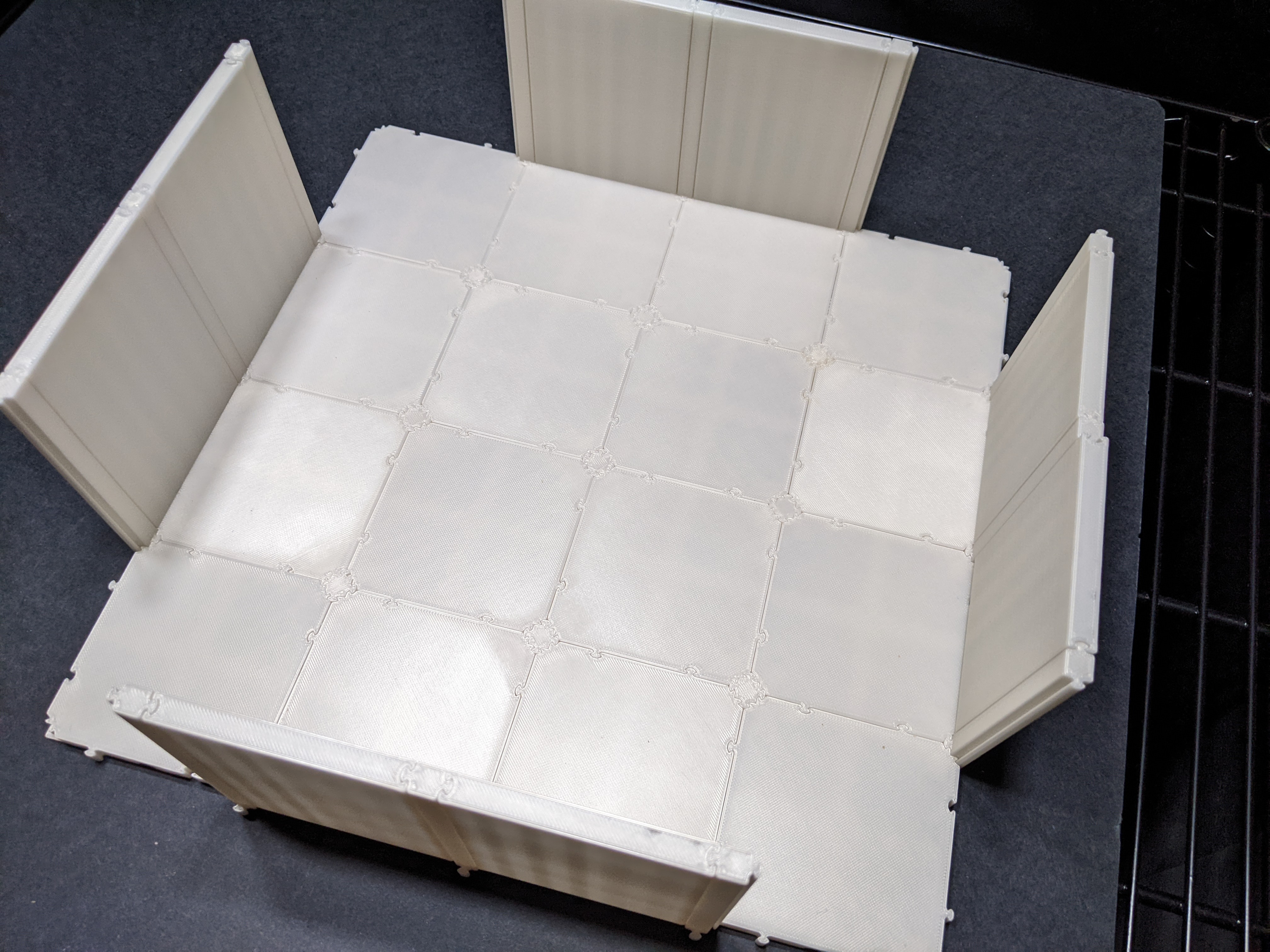
6. Slide wall panels in between the junctions on the sides of the open field (but not the corner walls yet).
7. Holding a right-angle junction in place on one corner of the open field, slide the final corner wall panels into place. Repeat for all corners.
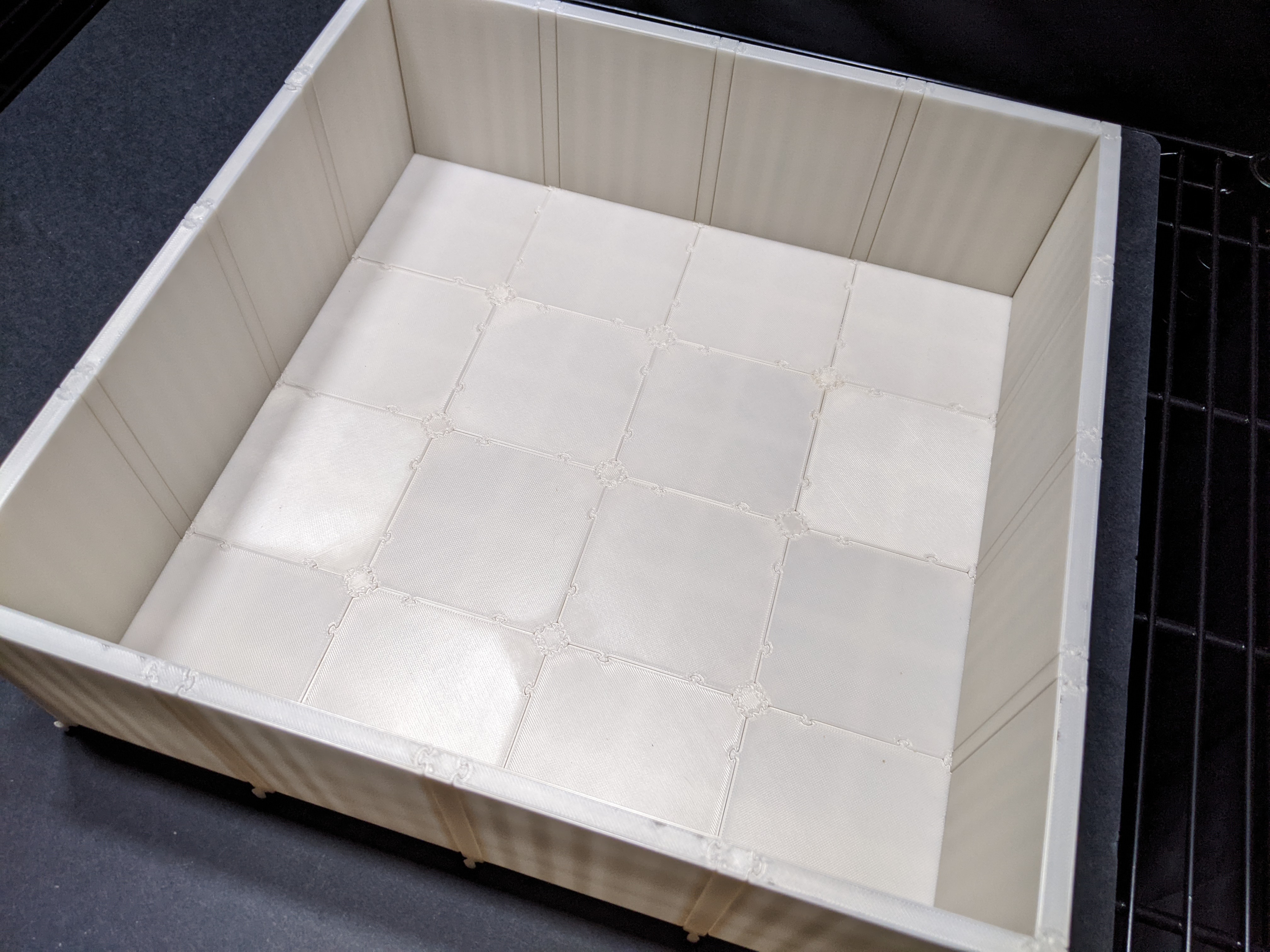
The open field is now complete!
Assembled open field
Parts
N^2 x square floor panels
4N x wall panels
4 x 2-way junctions (right angle)
4(N-1) x 2-way junctions (straight)
(N-1)^2 x 4 junctions (insert)