Assembly Instructions
1. Follow the instructions to create a basic open field, creating the starting size of your custom open field.
2. To add alcoves, use right-angle junctions (with additional floor and wall panels).
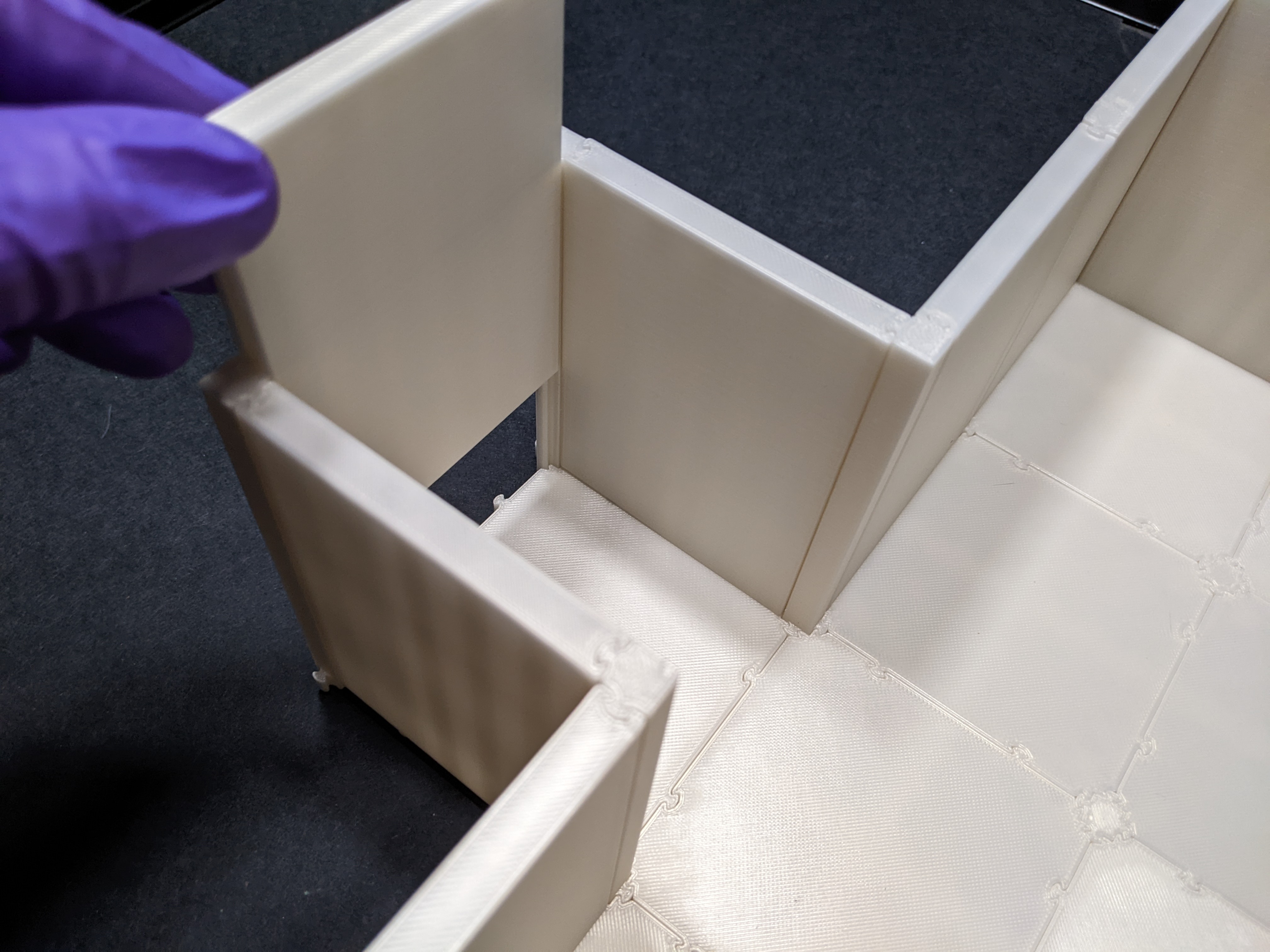
3. To add separating walls, use 3-way junctions instead of inserts.
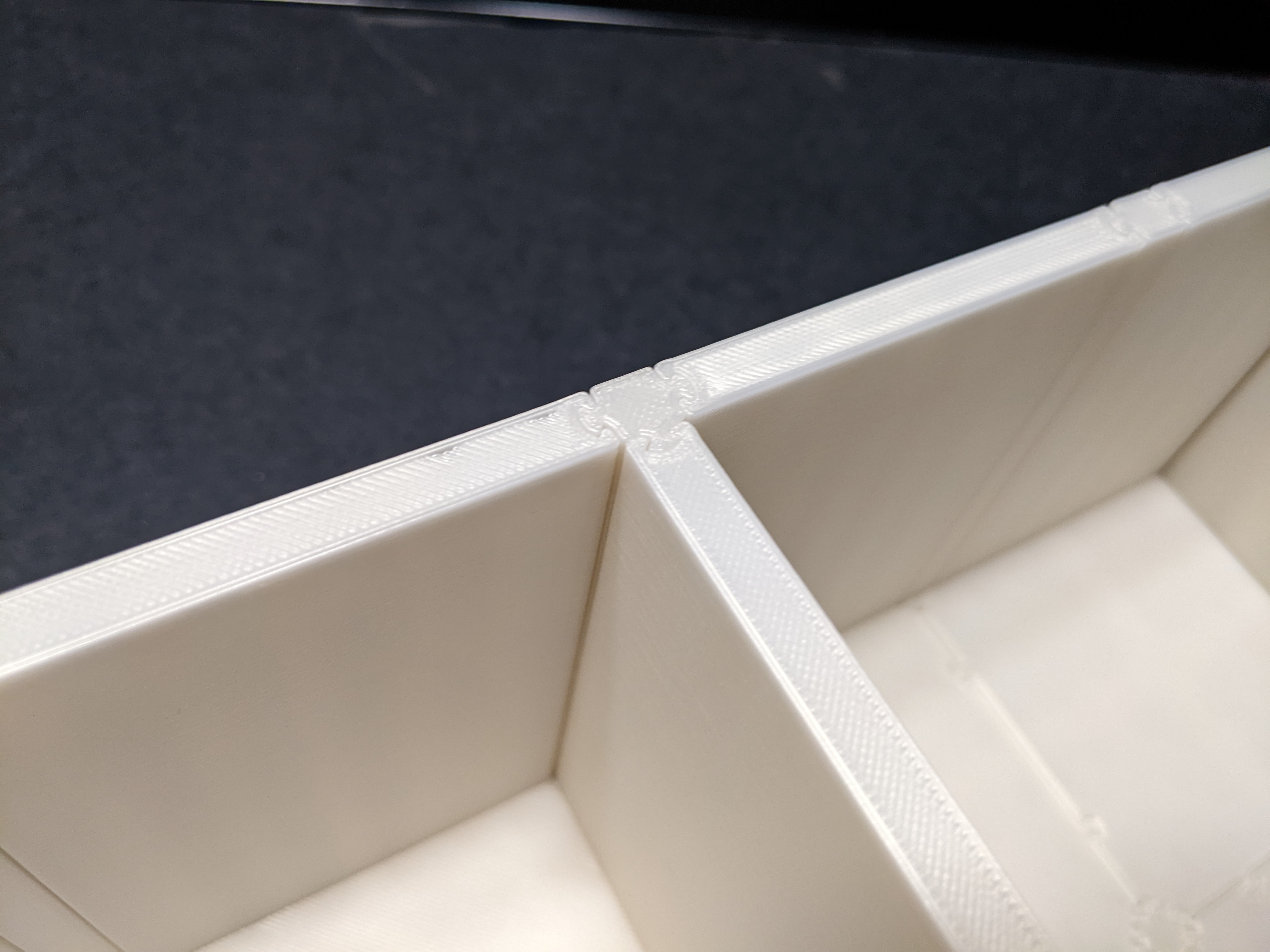
4. To create a multiple connected open fields, use a 4-way junction.
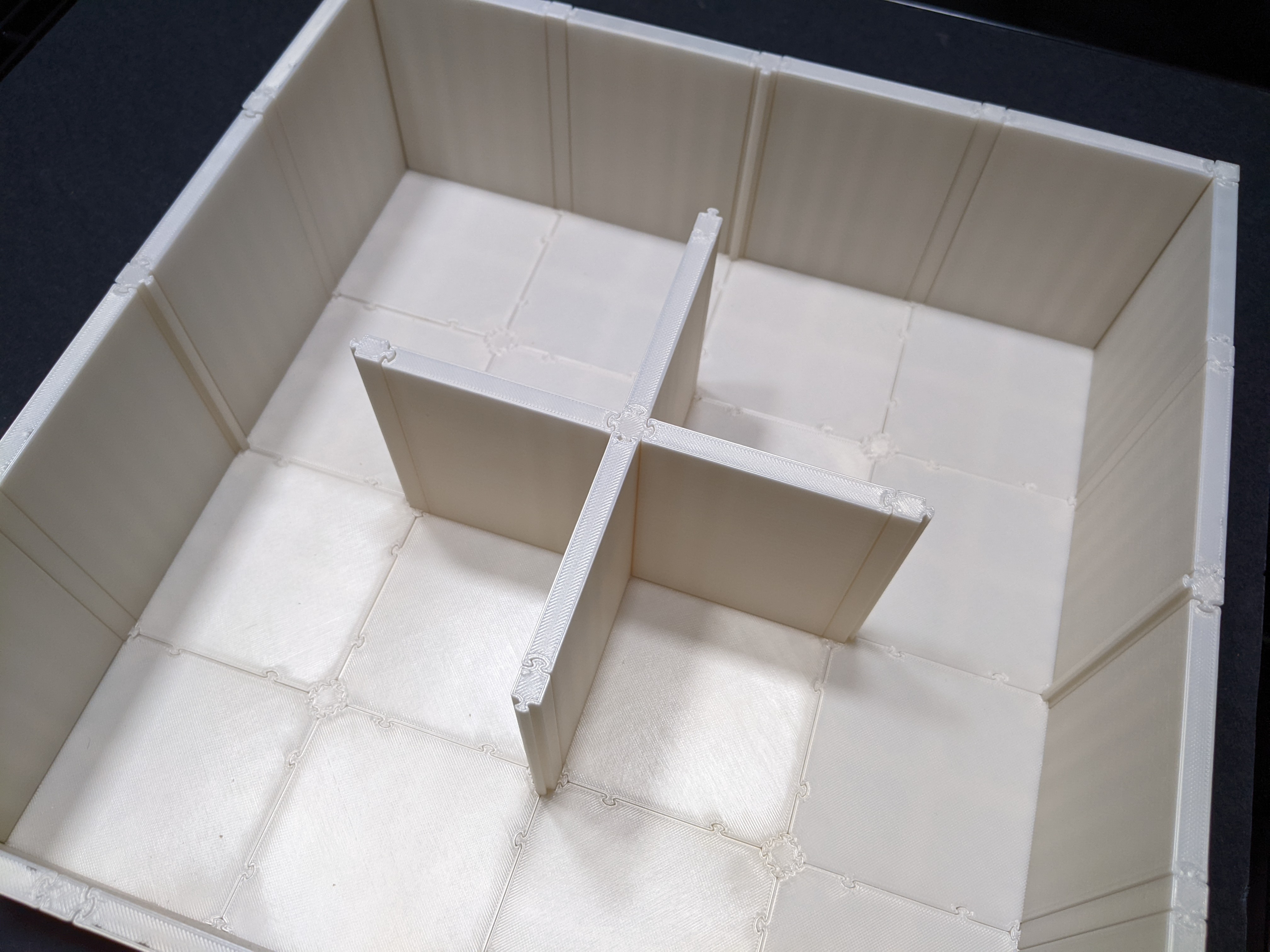
Enjoy your custom open field!
Parts
(variable) x square floor panels
(variable) x wall panels
(variable) x 2-way junctions (right angle)
(variable) x 2-way junctions (straight)
(variable) x 3-way junctions
(variable) x 4-way junctions
(variable) x 4-way junctions (insert)